
How Machines Understand Meaning — And How You Can Use It for Smarter Search
1. Introduction: Why Do We Need Embeddings?
Traditional search engines rely on keyword matching. If your search query includes the words “best pizza,” it looks for documents with those exact words. But what if a document talks about “top-rated Italian food” without mentioning the word “pizza”? Keyword-based search fails.
This is where vector embeddings come in. They allow machines to understand semantic similarity — capturing not just what was said, but what was meant.
2. What Are Embeddings, Really?
At a high level, embeddings are numeric representations of concepts. Each word, phrase, or sentence is mapped to a point in high-dimensional space.
Example:
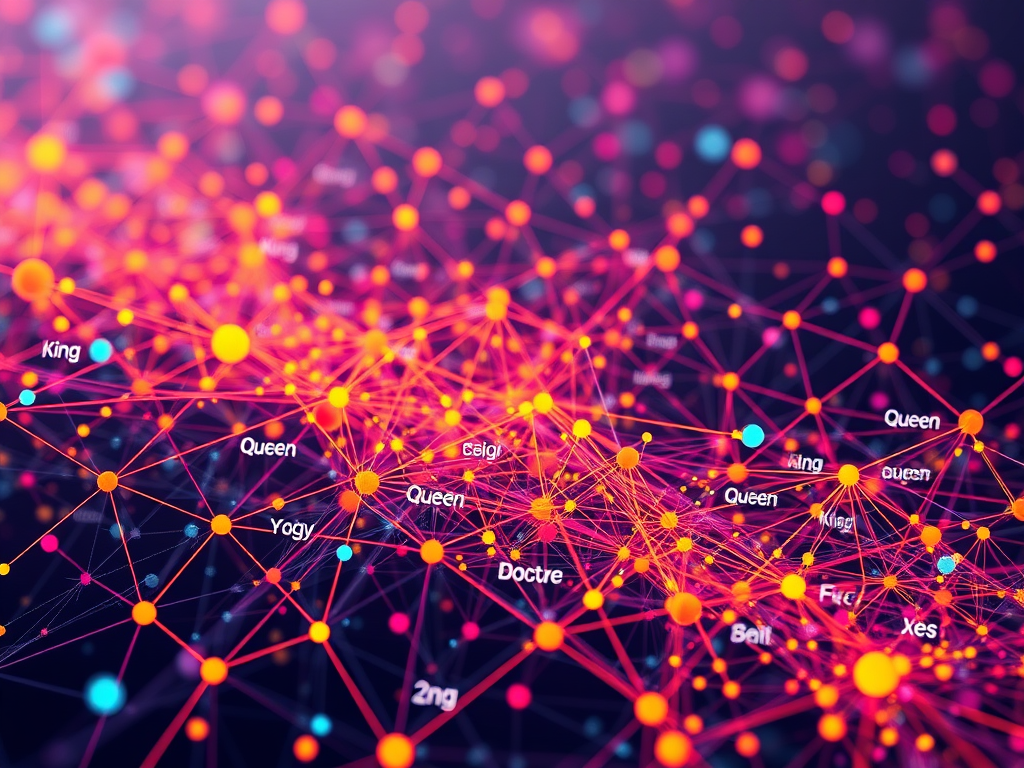
kingmight be [0.27, 0.81, …, 0.12]queenmight be very close in that space
These numbers don’t look meaningful to us, but they carry immense semantic weight. Words with similar meanings have vectors that are close together.
Imagine a 3D space where ‘man’ and ‘woman’ are near each other, and ‘doctor’ and ‘nurse’ are close — embeddings create that mental map for the machine.
3. Types of Embeddings
Embeddings have evolved over time:
- Word2Vec, GloVe: First-gen word-level embeddings
- BERT, RoBERTa, MiniLM: Contextual sentence embeddings
- OpenAI Embeddings (e.g., text-embedding-3-small): High-quality models suitable for search, classification, clustering
For semantic search and RAG, sentence-level embeddings (like all-MiniLM or OpenAI’s) are preferred.
4. From Embeddings to Relevant Search
Once you have a vector representation of your documents, you can:
- Embed all your documents and store them in a vector database (e.g., FAISS, Weaviate, Pinecone)
- Embed the user’s search query
- Find documents whose vectors are closest to the query vector (using cosine similarity)
- Pass those documents to an LLM to generate a relevant answer
This combination is known as Retrieval-Augmented Generation (RAG).
5. Building a Simple RAG Pipeline
Step 1: Prepare your data
- Break documents into chunks (e.g., paragraphs)
- Clean and normalize text
Step 2: Embed your documents
from sentence_transformers import SentenceTransformer
model = SentenceTransformer('all-MiniLM-L6-v2')
embeddings = model.encode(["Your document text here"])
Step 3: Store in a vector DB
- Use FAISS for local setup, or Chroma/Pinecone for hosted solutions
Step 4: Handle queries
- Embed the user query and find similar documents
- Feed those into GPT-4 or another LLM
Step 5: Generate the answer
prompt = f"Answer the question based on the context below:\n\n{retrieved_docs}\n\nQuestion: {user_query}"
response = llm(prompt)
6. Common Pitfalls and Best Practices
- Chunking: If chunks are too big, important content gets missed. Too small, and context is lost.
- Noise: Clean data = better embeddings. Remove boilerplate, navigation menus, etc.
- Embedding model choice: General-purpose models are good, but domain-specific ones work better in fields like law or healthcare.
7. Conclusion
Vector embeddings are the backbone of modern semantic search. They let us move from literal keyword matches to true understanding.
By using embeddings with a vector database and an LLM, you can create effective RAG systems that return relevant documents. They also provide relevant answers.
Stay tuned for part 2, where we’ll build a full RAG app using ChromaDB and OpenAI!

 Umamaheswaran
Leave a comment